Showing posts with label Portrait. Show all posts

Friday, February 25, 2011

The June Challenge

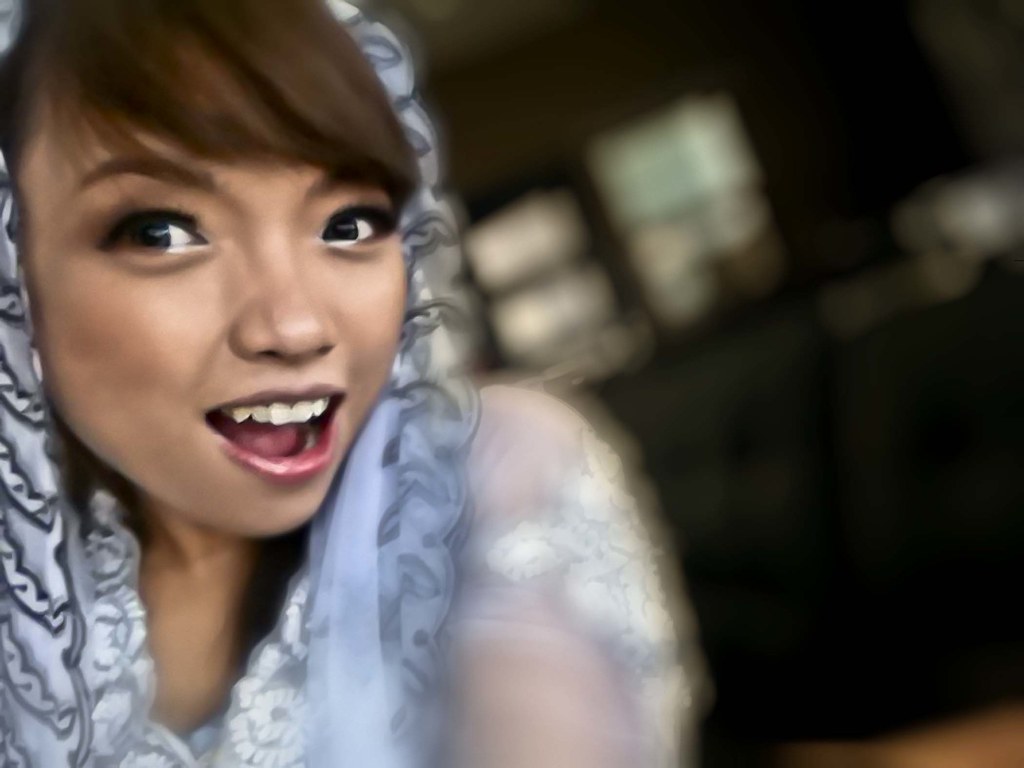
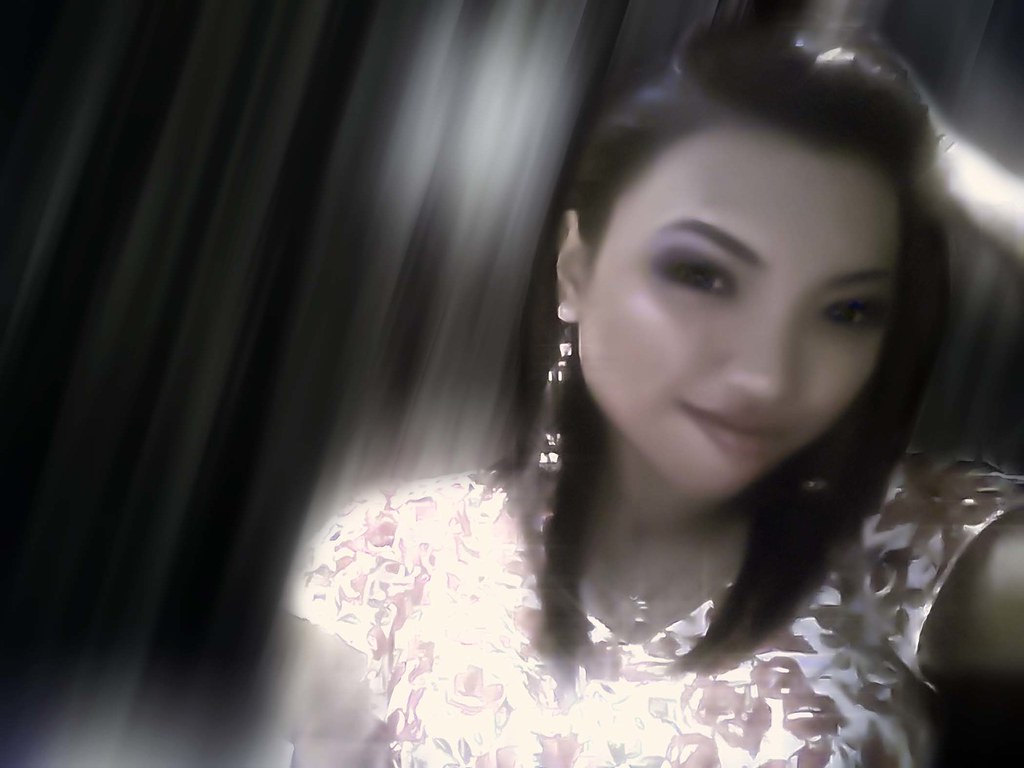
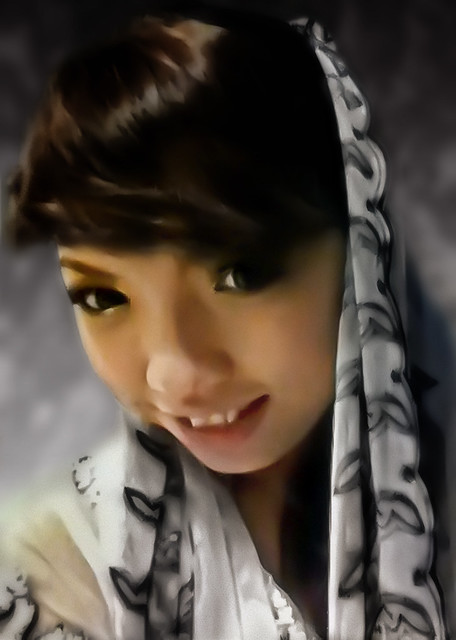
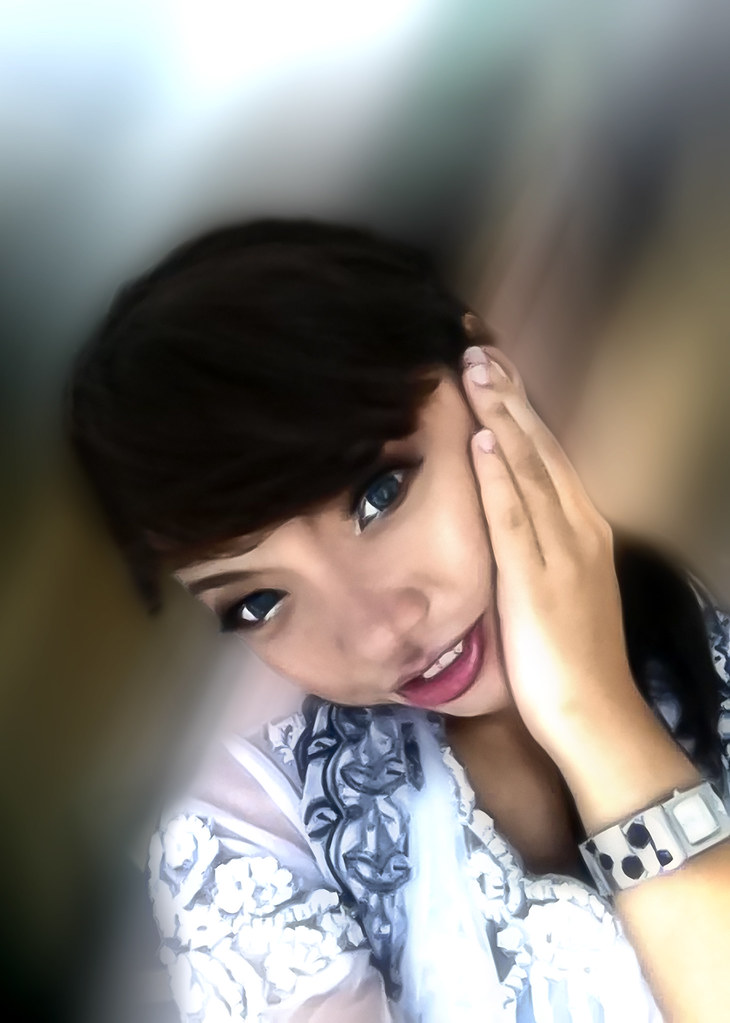
I wanted to edit photo from handphone & Laptop, So i have ask June here for her permission to edit it to a stunning photo. Of course all the original photos has a lot of noise, when repair it it give that almost blur cartoon look, which is never my intention how I wanted it.

June 5

June 4

June 3

June 2

June 1

Saturday, February 12, 2011

Angels....

Angels.

Friday, January 21, 2011

Digital Background

Fashionism

Learning to add photo to Digitally made background. Not Bad so far. Model, Edit, Shot is All me! heh

Transform II

Photobucket

Photobucket

Transform 1

Photobucket

Photobucket

Snow White

Snow White I

Snow White

The shot was taken by Sofy@bountygrafix.blogspot.com. I just did the editing. But It's the Model, credit to her also.

Thursday, June 24, 2010

In The Shade

In The Shade

Could do a totally complete shadow, But I feel retaining the body feature seems kinda nicer.

Sunday, May 16, 2010

Hand - see - eemm

Photobucket

Ada org cakap..."Muka lawa berupa"...Makasih.....

Tuesday, April 27, 2010

TransFormation

Transform

The Body remain untouch [unedited] only dodge N Burn, Selective Colors and Saturation and Pre Raw Work flow

Saturday, April 3, 2010

THe Man


Photobucket
Tried to Make it Look like the Movie cover from say...Ong Bak...but anyways it's the model that count ;)

Tuesday, September 15, 2009

Play N Grow


Play & Grow

Tuesday, April 14, 2009

Finally! The Face!

The reason for the title to be in such a way is because, well...this shot was taken last months, I have kept it all this while, cause I stuck with it! I really didn't know how to go about with this edit. It was one attempt to edit after another and I still couldn't get the feel.
So after alot of reading and learning new stuff, I finally got an inspiration to edit, Mi's photo.
Skin Tone
I was actually divided to what I wanted it was either a portrait that emphasis on tonal skin (above) or a creative vision (below)... didn't want to put much thought into it so I did both.
The Fractal Look

Re-newing Previous Bad Editing

Previous Edit Photo

I edit this photo previously and My lil Sis keeps on bringing it up how bad the edit was, I have to totally agree with her, honestly I did it really bad...with so much obvious skin imperfection and poor tone that due to my poor editing.
So for the sake of my reputation and knowing I can do better now, the below photo is the "re-edited version" of the old one. Hope my sis and my mother will be much happier with this one, cos honestly this one is "far better in every way then the first one and put a lot of strain on my eyes! heh
ReLive Her Wed

Saturday, March 28, 2009

The Man


"I Da Man"
What?! this one? No, it's not! Actually from a 1.3MP handphone.

Monday, March 2, 2009

The Guru

This is my other model Jop. THis man is really camera "shy" and to get him even to pose for a shoot is really difficult. I wld love to shoot him more, but the thing is...he's way to busy with his own thang hahaha (Photo edting mostly...)
He's really my CS3 guru. 
"Jgn malu2 bah Jop eh" hehehe
At JP Amusement Park
Model & Edit: Jop
Photographer: Ryu

Friday, February 27, 2009

Still Motion


Mi here ask if I could do an edited somewhat like those he saw in a blog of a Philippino model and photographer (I've got to admit they were very creative) so as requested by Mi, here's my version. 
Still Motion
Model: Mi
Photographer and Edit: Ryu

Mi De'Light


Despite the obvious gaussian blur, it's really about applying strobe. For this image we use a conventional box. The inside box was wrap in aluminum foil and covered the top with a silky cloth and this is the outcome. 
Mi De'Light
Model: Mi
Photographer & Editor: Ryu

Saturday, February 21, 2009

Blair "nutty" witch

This is my sister... she's not literally "nutty", but being the eldest she's best in acting it, hahaha take that as a compliment ;p
Blair "Nutty" Witch
Here I use my bud's D300 and SB900...you can tell where the flash is pointed at. "Siuk eh".

Sunday, February 8, 2009

Differential Composition + Tooning effect


"Differential Composition" something that I created, meaning merging two image of different composition into one image, but this time choose a more challenging one, without leaving any obvious trace that it been edited/merged
Differential Composition + Tooning
Thus I added an adjustment to confuse the viewers weather the eye perceived it look like a toon-ed subject or not.
Here I use the simplicity of just filtering, dodge and burn only, without the conversion to raw.

Tuesday, January 27, 2009

Za De Light

My Pal Helmi been having D300 and now recently SB900. THing is, he is clueless, how else to manipulate his flash. So did a few reading and he can do wireless flash. So I volunteer to set the setting for him and once I found out...
I told Iza to model for me and Oh did I had loads of fun

Post Archive

Dustin Snipes

J*Squared

You Rang...


Free chat widget @ ShoutMix
NOTE: ADVERT OR UNKNOWN IP WILL BE BAN.

Brunei Blogging Nation

Blogging Nation Photo Journalist: Ryu

About Me

My photo
Just a preferred name. Like to occupy myself in the "occupation of thinking". A Rookie, THis Blog Represent My Sense of Sight interpreting the world surround. And being the best I can be from others. Email: nuraaldrin@hotmail.com
Powered By Blogger

  © Blogger template 'Photoblog II' by Ourblogtemplates.com 2008

Back to TOP